How To Make A Custom Steam Profile Picture
Steam is more than just a gaming platform; it's a social hub where your profile picture speaks volumes before you even type a word. Whether you want to showcase your favourite game character, a meme, or a personal artwork, creating a custom Steam profile picture is a fantastic way to express your identity. In this guide, we'll walk you through the entire process, from selecting the perfect image to uploading it seamlessly. You'll learn how to resize, edit, and optimise your chosen picture so it looks sharp and professional. With a few simple tools and a bit of creativity, you can transform your Steam presence and stand out in the community. Let's dive in and make your profile truly yours.
Choosing and Preparing Your Custom Steam Profile Picture

When selecting an image for your Steam avatar, consider what message you want to convey. Steam displays profile pictures as small circles, so intricate details might get lost. A bold, high-contrast image often works best. Start by finding a picture that resonates with you — perhaps a screenshot from your favourite game, a digital drawing, or a photograph. Use free online editors like Photopea or Canva to crop your image into a perfect square. Steam recommends a minimum size of 184x184 pixels, but uploading a larger image (such as 512x512) ensures better quality when Steam resizes it. Adjust the brightness and contrast to make the subject pop. If your image has a busy background, consider removing it or adding a solid colour behind your subject. Remember to save your edited picture as a PNG or JPG file. This preparation stage is crucial because a poorly sized or blurry image will look unprofessional. Take your time to experiment with different crops and filters until you're happy with the result. A well-prepared avatar acts like a sealed ziplock bag for your online identity — it keeps everything tidy and presentable.
Uploading and Fine-Tuning Your Steam Avatar

Once your image is ready, log into your Steam account and navigate to your profile. Click on your current avatar or the "Edit Profile" button. You'll see an option to upload a new profile picture. Select your prepared file and upload it. Steam will automatically resize it to fit the circular frame. Check how it looks on your profile — sometimes the crop might cut off important parts. If needed, re-edit your image and upload again. Steam also allows you to add an avatar frame if you have one from your inventory, which can further customise your look. For an animated profile picture, you'll need to use a GIF, but note that Steam only supports animated avatars for certain account levels or with specific items. After uploading, consider adjusting your profile's privacy settings so everyone can see your new picture. You can also change your profile background and theme to match your avatar for a cohesive appearance. Don't forget to preview your profile on both desktop and mobile to ensure it looks great everywhere. With a little fine-tuning, your custom Steam profile picture will become a talking point among your friends. Just like a reliable zipper keeps a bag secure, a polished avatar keeps your profile looking sharp and memorable.
Zip Lock Bags - Zip Lock Cover Latest Price, Manufacturers & Suppliers

Zip Lock Bags - Zip Lock Cover Latest Price, Manufacturers & Suppliers
Plastic Zip Lock Bags For Food Online
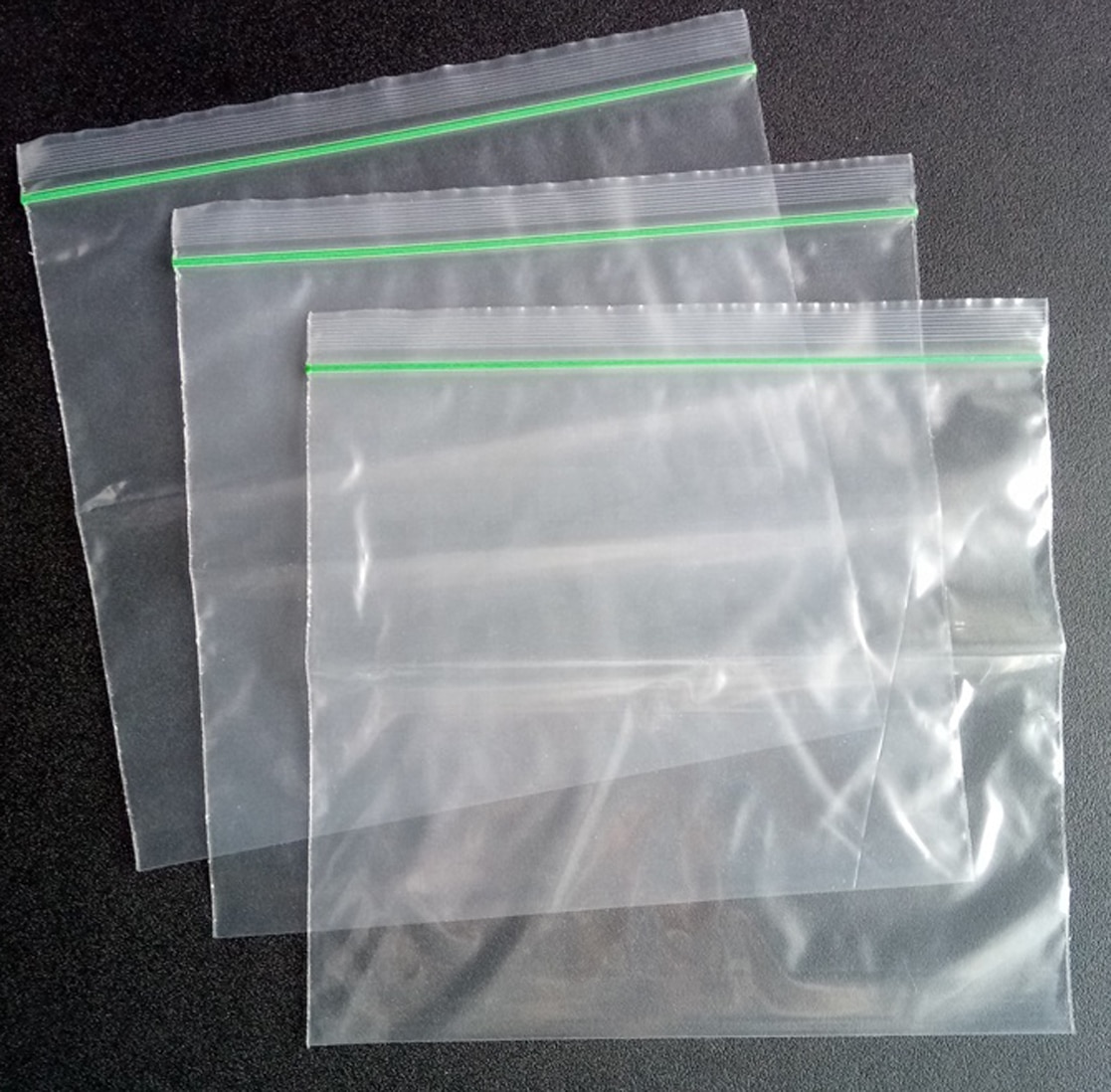
Plastic zip lock bags for food online
Heavy Duty Zip Lock Resealable Bags 100pcs 50 Mm X 80mm
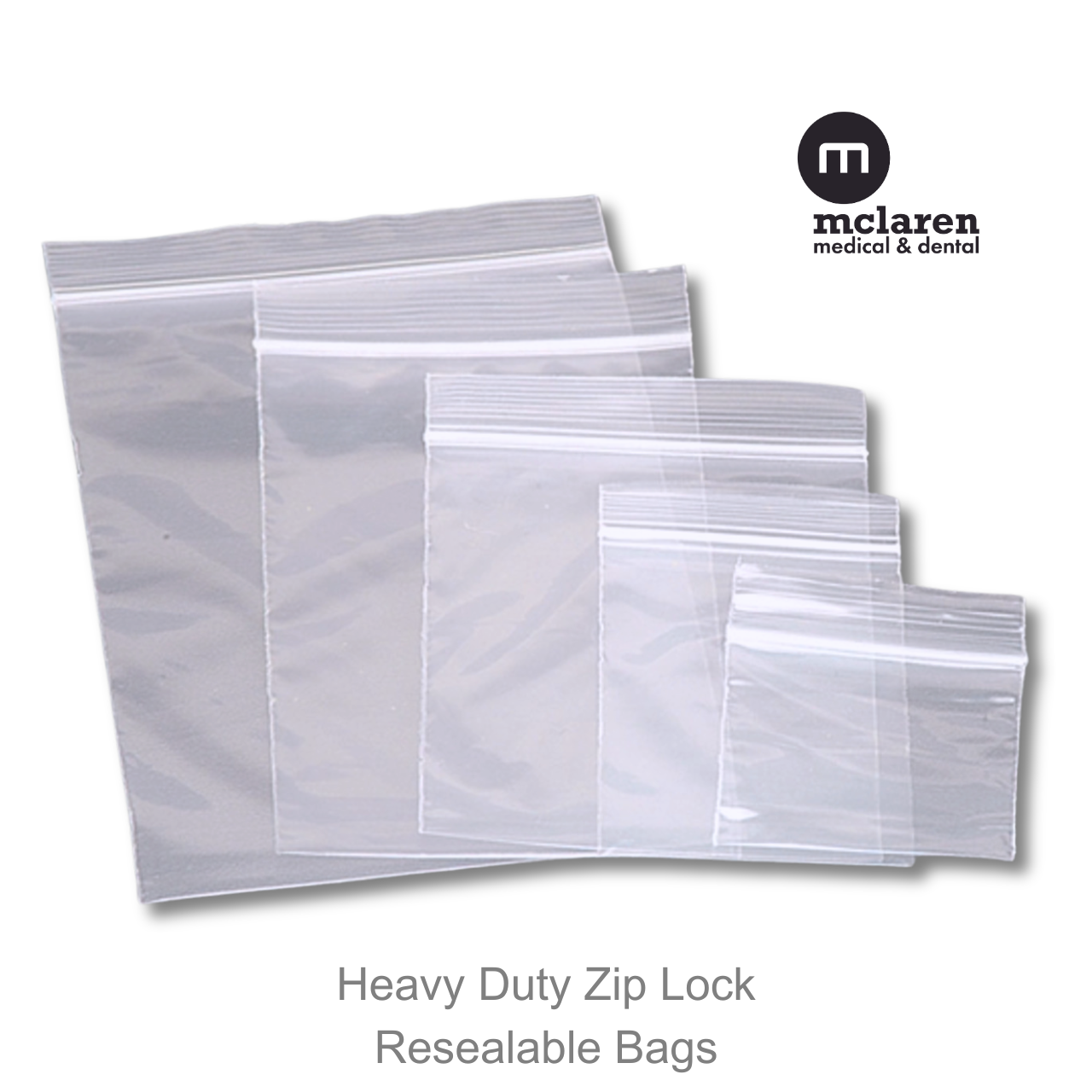
Heavy Duty Zip Lock Resealable Bags 100pcs 50 mm x 80mm
Plastic Zip Bag - Ziplock Bags Latest Price, Manufacturers & Suppliers

Plastic Zip Bag - Ziplock Bags Latest Price, Manufacturers & Suppliers
ProKart Premium Zip Lock Pouches, Zip Lock Bag For Prasad Bag Storage

ProKart Premium Zip lock Pouches, Zip lock Bag For Prasad Bag Storage ...
Pvc Zip Lock Bags - Color: Different Available At Best Price In Delhi
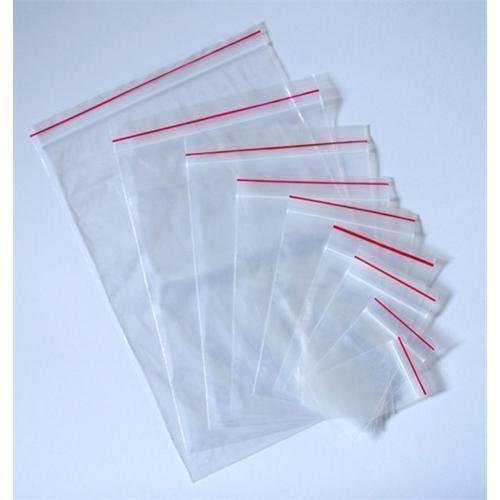
Pvc Zip Lock Bags - Color: Different Available at Best Price in Delhi ...
Ziploc Bags Sizes Creative Savv: How Do You Store Previously Used
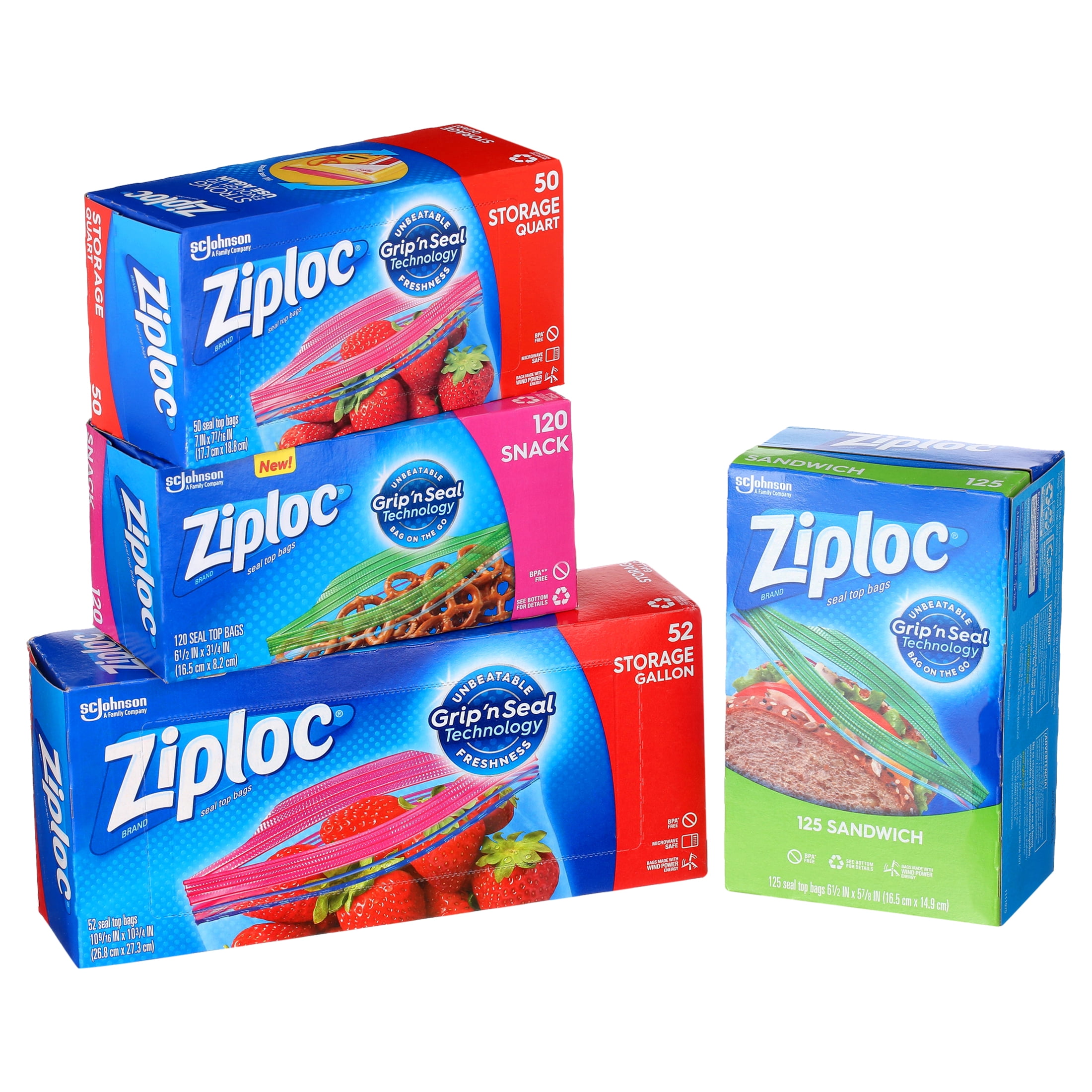
Ziploc Bags Sizes Creative Savv: How Do You Store Previously Used