Steam Profile Picture Ideas
Your Steam profile picture is more than a decorative image; it is a concise visual statement that represents your gaming identity to friends, teammates, and the wider community. A thoughtful choice can make your profile appear polished, approachable, and memorable, while an inconsistent or low-quality image may undermine your credibility. Whether you are a casual player, a streamer, or a competitive team member, selecting the right avatar requires careful consideration of clarity, colour, and context. The following ideas will help you create a Steam profile picture that aligns with your personal brand and enhances your overall presence on the platform.
Selecting a Clear and Professional Steam Avatar
Clarity should be your first priority. Steam displays profile pictures at relatively small sizes, so intricate details, tiny text, and busy backgrounds often become unrecognisable. Choose an image with a strong central subject, generous negative space, and high contrast. A well-lit portrait, a simple logo, or a stylised icon can work exceptionally well. If you use a photograph, ensure it is sharp and cropped thoughtfully around the face or primary focal point. For a more branded approach, consider a monogram or geometric mark that reflects your favourite genre or team. Consistent use of one or two colours across your profile, artwork, and avatar can create a cohesive and professional impression. Avoid images that are overly dark, heavily filtered, or cluttered, as these tend to disappear when scaled down. Remember that your avatar may appear alongside comments, reviews, and workshop submissions, so it should remain legible in every context.
Using Themed and Minimalist Imagery to Reflect Your Gaming Persona

Themed imagery allows you to express your gaming interests without resorting to generic screenshots. Instead of using a full in-game scene, isolate a single emblem, weapon silhouette, or environmental detail that represents your favourite title. Minimalist designs often perform better because they remain clear at small sizes and avoid visual noise. Abstract shapes, line art, and limited colour palettes can convey sophistication while still signalling your tastes. If you prefer a character-based avatar, select a high-quality render with a transparent or uncluttered background, and ensure you have the right to use it. For a more personal touch, commission or create custom artwork that combines your initials with a motif from your preferred genre. Consistency matters: if your profile name, background, and avatar share a common theme or colour scheme, your profile will feel intentional and well-curated. Avoid changing your picture too frequently, as recognition helps build trust within the community.
Ultimately, the best Steam profile picture is one that feels authentic, remains readable at small dimensions, and aligns with how you wish to be perceived. Take time to test your chosen image at actual display sizes, check its appearance on both desktop and mobile, and consider how it complements your profile name and description. By prioritising clarity, consistency, and a touch of personal meaning, you can create a professional and engaging Steam presence that stands out for all the right reasons.
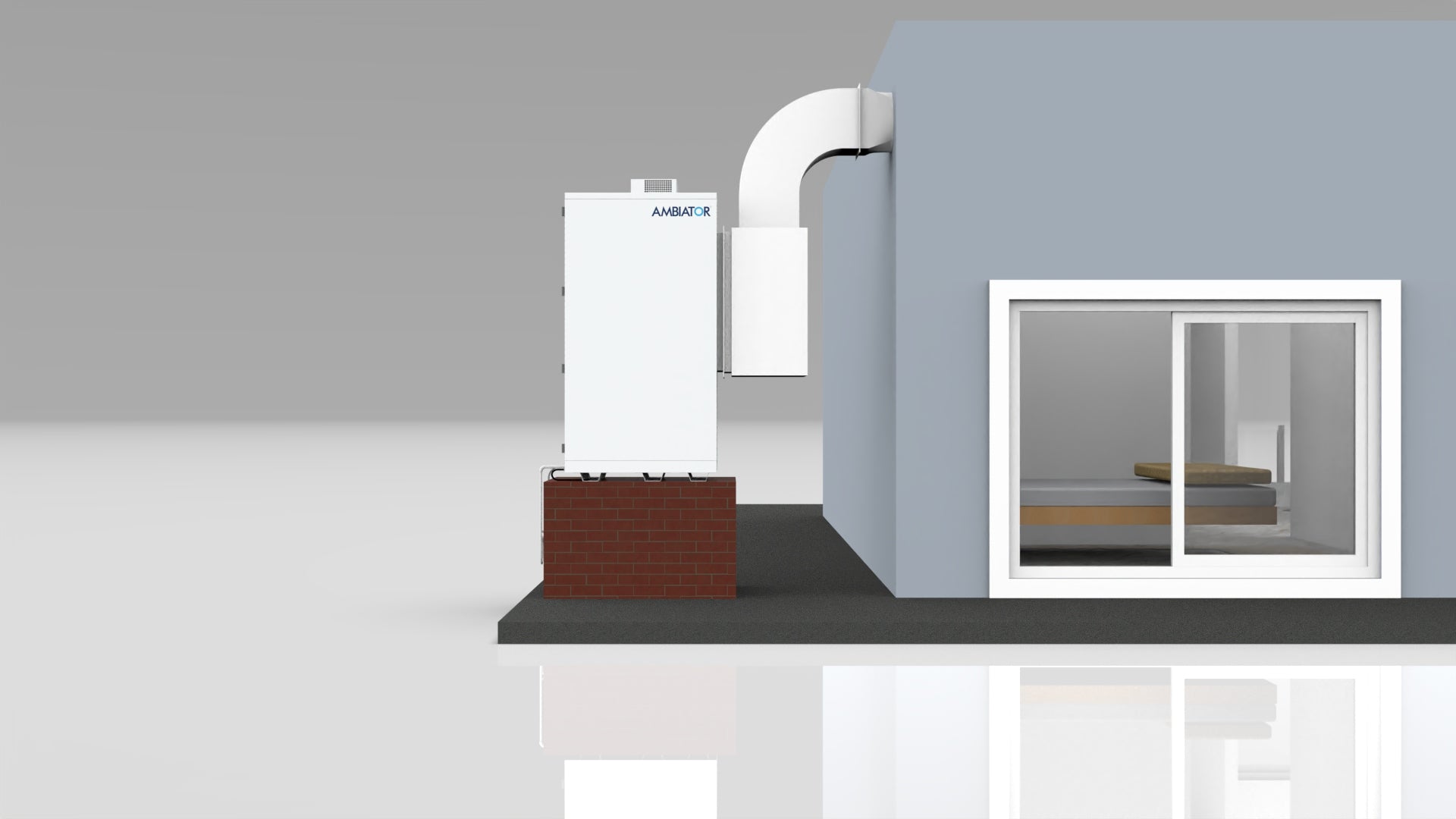
AMB750 – Ambiator - Cooling Without Warming The Planet.

AMB750 – Ambiator - Cooling without warming the Planet.
AMB750 – Ambiator - Cooling Without Warming The Planet.

AMB750 – Ambiator - Cooling without warming the Planet.
AMB750 – Ambiator - Cooling Without Warming The Planet.

AMB750 – Ambiator - Cooling without warming the Planet.
AMB750 – Ambiator - Cooling Without Warming The Planet.

AMB750 – Ambiator - Cooling without warming the Planet.
No AC, No High Power Bills – This Cooling System Will Keep You Cool At
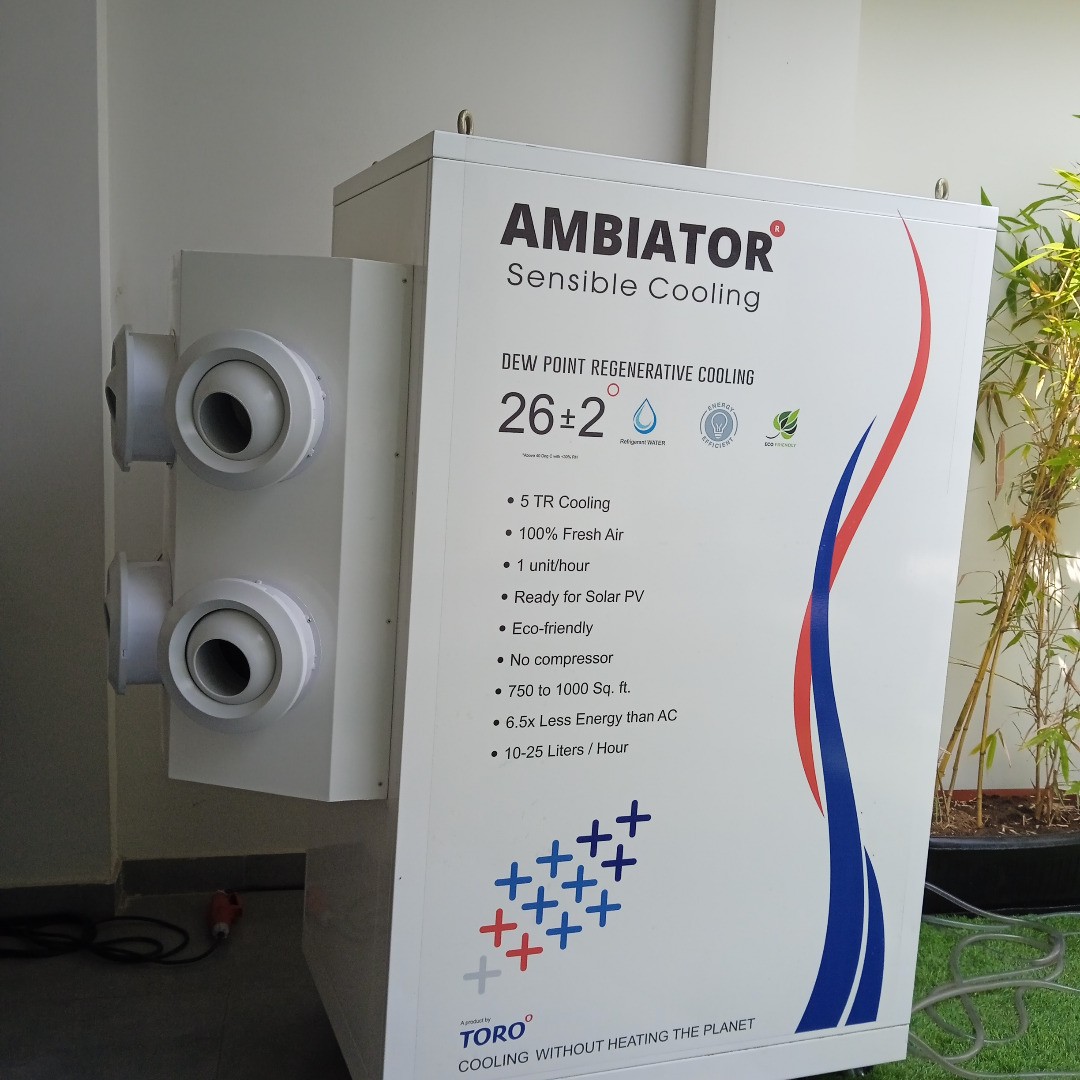
No AC, No High Power Bills – This Cooling System Will Keep You Cool At ...
AMB750 – Ambiator - Cooling Without Warming The Planet.

AMB750 – Ambiator - Cooling without warming the Planet.
AMB750 – Ambiator - Cooling Without Warming The Planet.

AMB750 – Ambiator - Cooling without warming the Planet.